Powered By :



The Diners Club® Offers Platform (the “Platform”) is a bespoke digital platform providing exclusive offers for access by Diners Club® Consumer Clubmembers travelling to India.
The Platform is available to eligible Cardholders to redeem offers through the Diners Club® Travel Tools App by validating your Diners Club® card. Curated benefits are available for you based on your card type.
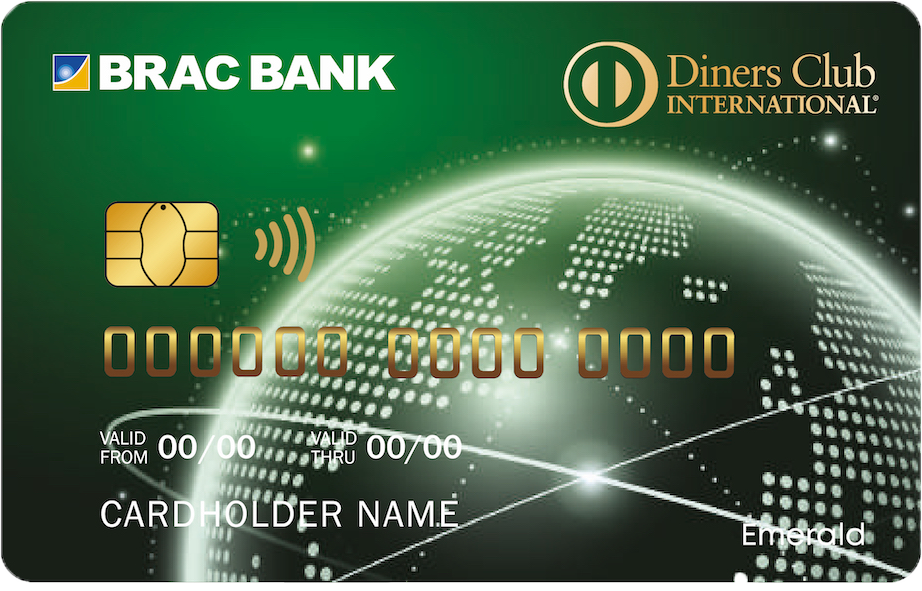
To validate your access to the Platform, you will need to enter the first 6-digits of your Diners Club® payment card. Then, on the right-hand side of the home page, select “Click Here to View your Eligible Offers”.
Please make sure you enter the correct 6-digit issuer identification number (IIN) of your Diners Club® card. The IIN is the first 6-digits on your Diners Club® card.
Validation process:
a) IIN validation (first six digits of your Diners Club® card).
1. One time pass code (OTP) requiring your personal details needed for redemption (name, email, phone number).
If you are still unable to access the Platform, please contact the service provider Clubmember Support Team:
Benefits available to you are based on your Diners Club® card program. There are benefits, like travel, dining, retail, and spa offers.
Merchant benefits are updated from time to time, so please check the Platform regularly.
Benefits shown on the home page are general benefits. Benefits for your card type might be different. Please log in to the Diners Club® Travel Tools App to see your eligible benefits.
Once you’ve validated your card on the Platform, you will see your eligible benefits.
There are two types of benefits:
Some benefits may require registration prior to claiming, while some do not. Please review the details of each offer in the description on the Platform to understand eligibility and registration requirements.
For benefits requiring registration:
Once you’ve claimed an offer, you will receive confirmation via email, phone or any other channel.
Some benefits require pre-payment, and some do not. When required, you will be asked to pre-pay for the offer at checkout. You will be asked to make a payment during the redemption process by entering your payment card number, card expiry date, and CVV. Otherwise, you will provide your payment card to pay at the merchant outlet.
Please note only your Diners Club® card can be used for payment, whether pre-pay or on-site.
Please log in into the Diners Club® Travel Tools App, and once you validate your card, click on “Booking Status”.
All benefits have expiration dates. The expiration date can be found online and in the email and/or message confirmation.
Extensions are not permitted. Benefit will terminate on the original end date.
Once the booking is confirmed, there are no cancellations or refunds. In case of nonavailability of service/cancellation, a refund will be reflected in your account within 3-5 working days. You can only cancel a booking of a benefit offer prior to receipt of the confirmation email. If you would like to raise a request to cancel a booking, contact the service provider Clubmember Support Team:

These details are used only to validate your card and show eligible offers.

These details are used only to validate your card and show eligible offers.